
One task per video, on the real product.
Short how-to videos that each show one everyday task in HelmRow, start to finish, the way a coworker would show you on their own screen. 38 videos, about an hour in all.
Recorded click by click, not staged.
Every video is the application itself, working, with a made-up demo company called Northstar. Nobody on screen is a real person, and dollar amounts on payroll, accounting and benefit pages are blurred.
A minute or two each
One task, then the next video. The closing card says what to watch after it.
Captions in the picture
Each video is narrated, with the words on screen as they are said. Every page also writes the steps out in full.
Nothing loads until you press play
The videos are served from this site, with no player from anywhere else and nothing tracking what you watch.
Getting started
Sign in, find your way around, and meet the Inbox. 3 videos · 5 min
-
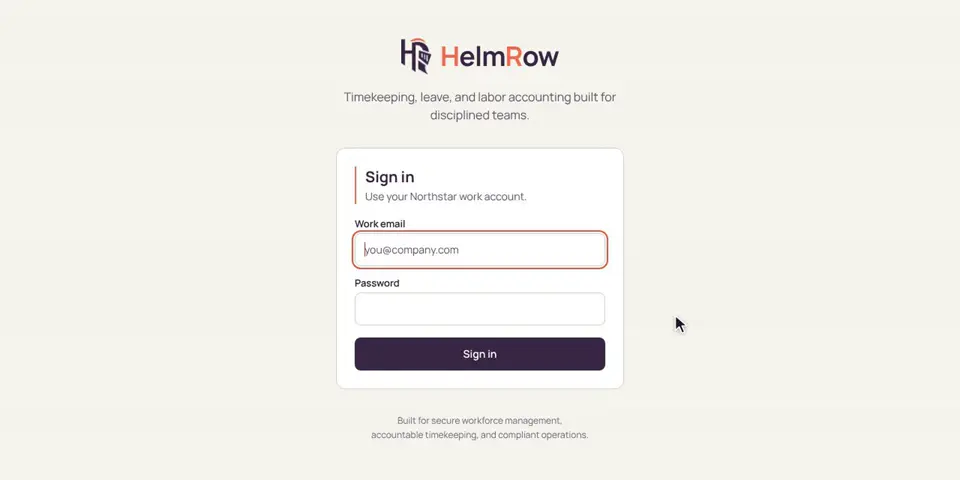
1.1 · 1:34 minutes
Signing in to HelmRow
Sign in with your work email and password, and use the 6-digit code from your phone when asked.
-
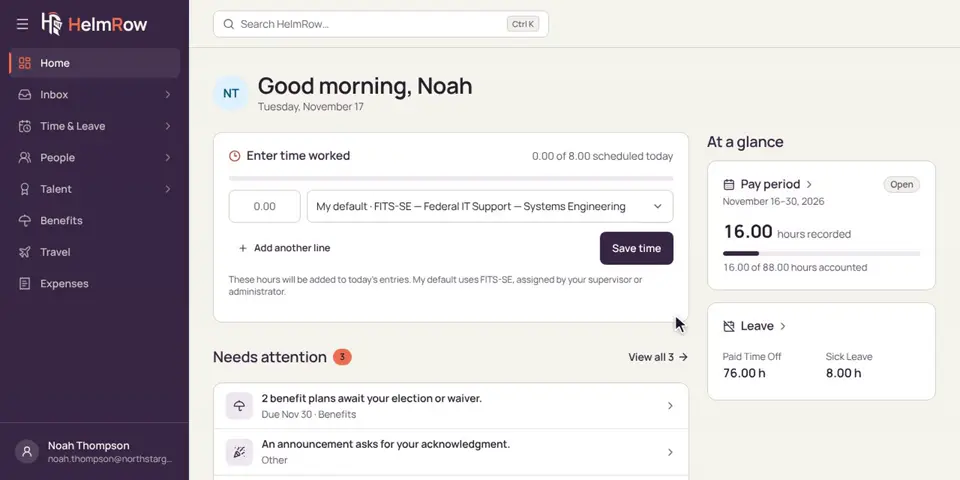
1.2 · 1:49 minutes
Finding your way around
Your home page, the menu on the left, and search: where everything lives in HelmRow.
-
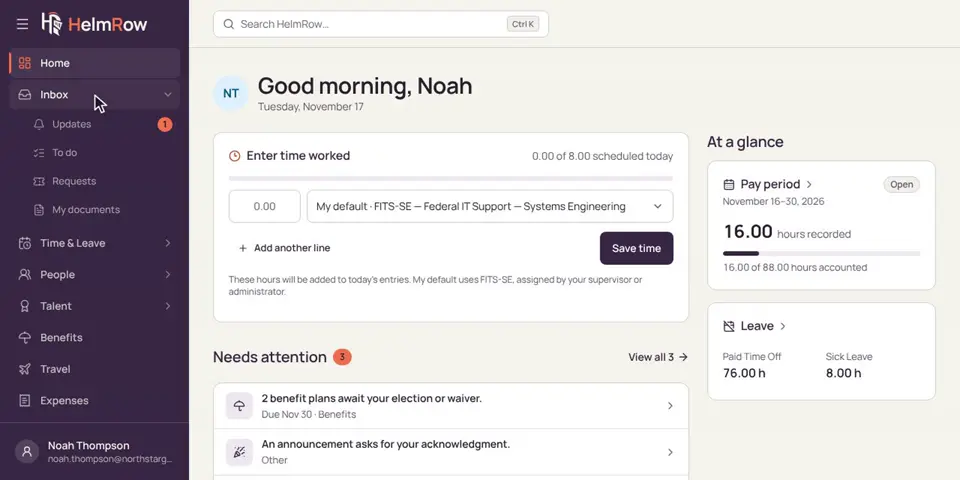
1.3 · 1:35 minutes
Your Inbox
Updates, to-dos, requests and your documents, all in one place.
For employees
The everyday tasks: hours, time off, documents, benefits, expenses and training. 13 videos · 21 min
-
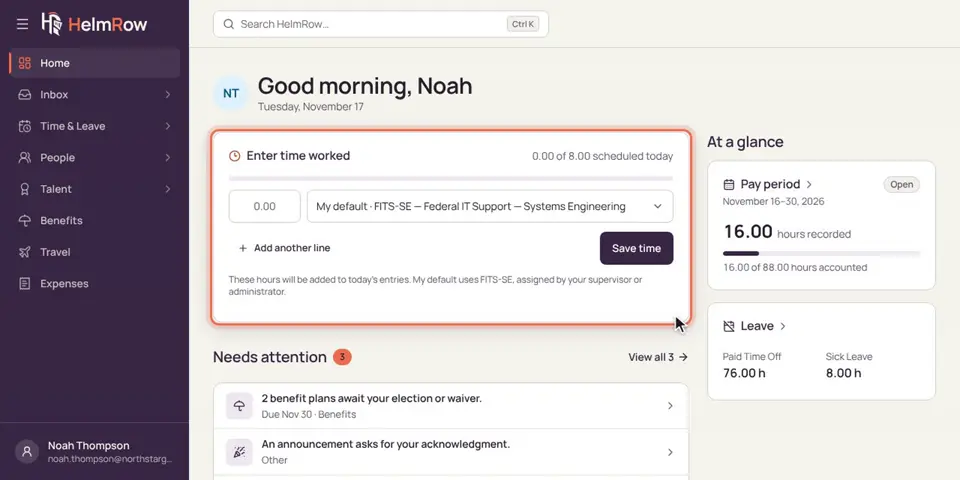
2.1 · 2:17 minutes
Entering your hours
Type the hours you worked today, on your home page or your timesheet. It takes less than a minute.
-
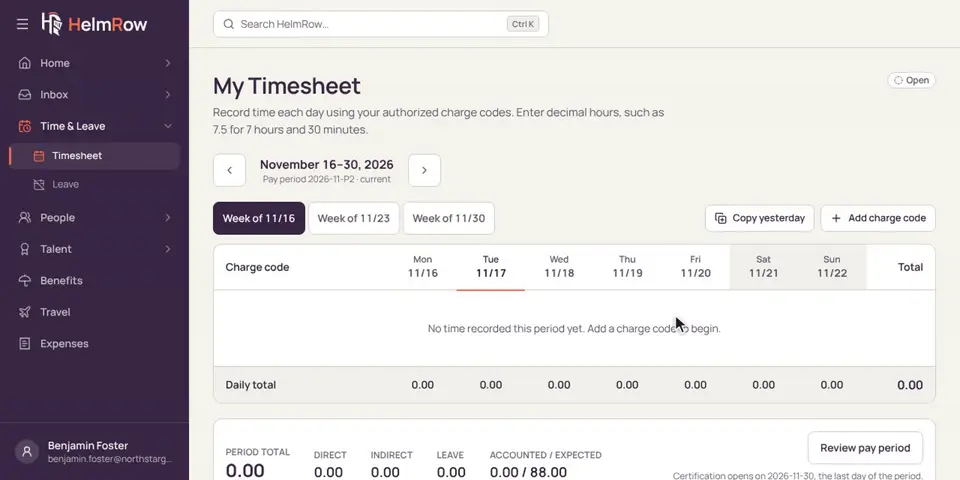
2.2 · 1:58 minutes
Entering hours for a day you missed
Forgot a day? Add it later. HelmRow asks why it’s late and keeps the day marked.
-
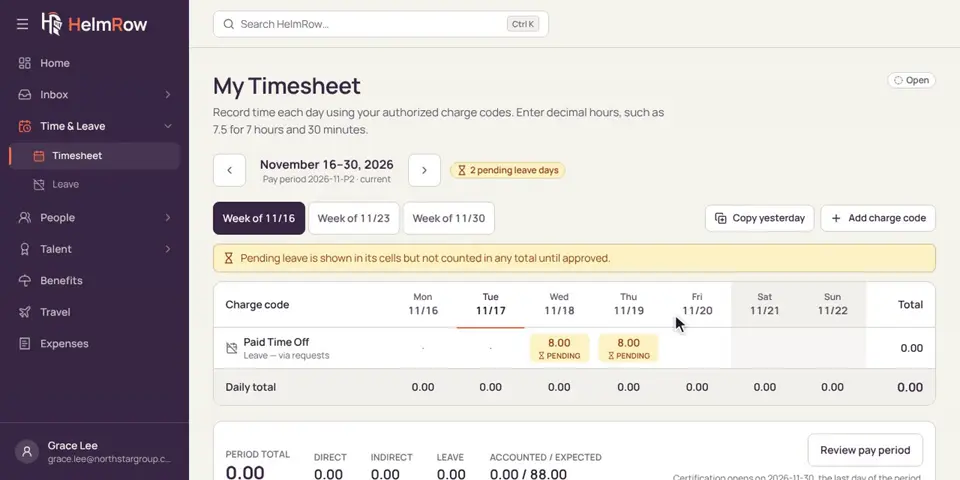
2.3 · 1:37 minutes
Certifying your timesheet
At the end of each pay period, check your hours and certify them with your code.
-
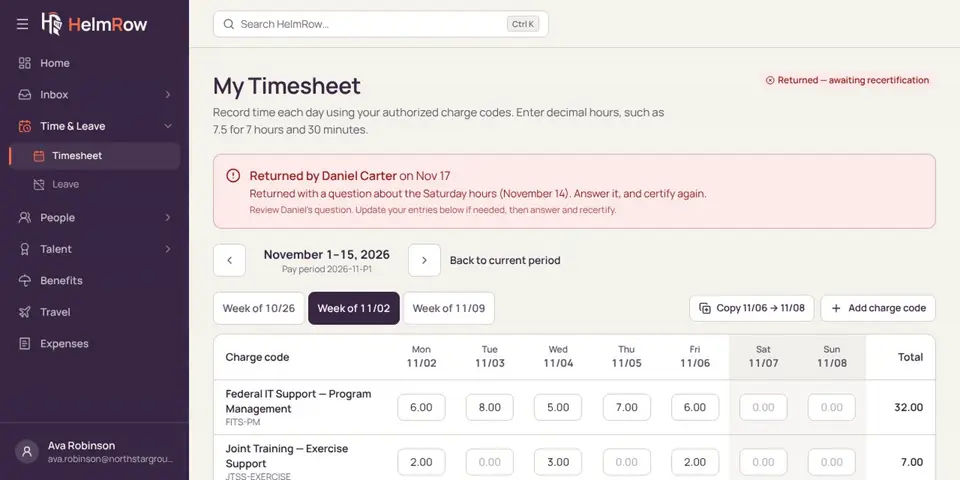
2.4 · 1:31 minutes
When your timesheet comes back to you
Your supervisor sent a timesheet back with a question. Answer it, fix anything that needs it, and certify again.
-
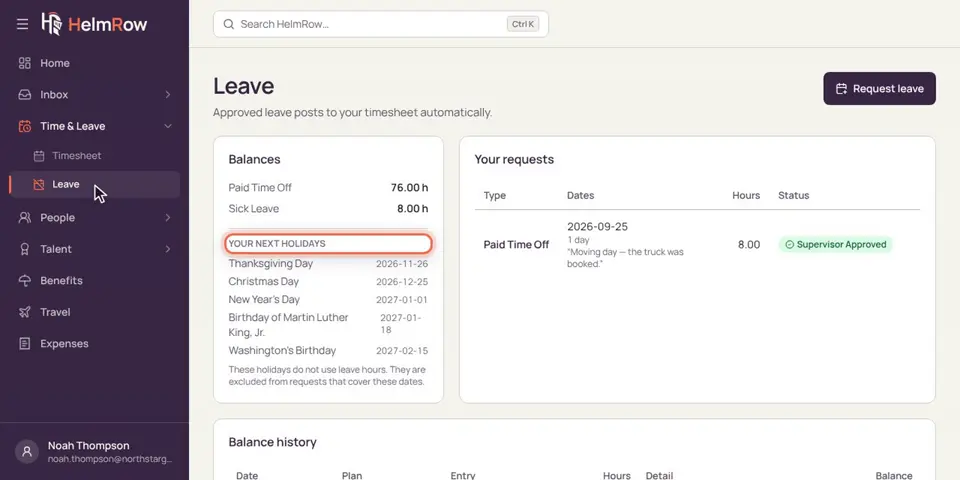
2.5 · 1:41 minutes
Requesting time off
Check your balance, ask for a day off, and see it on your timesheet while you wait.
-
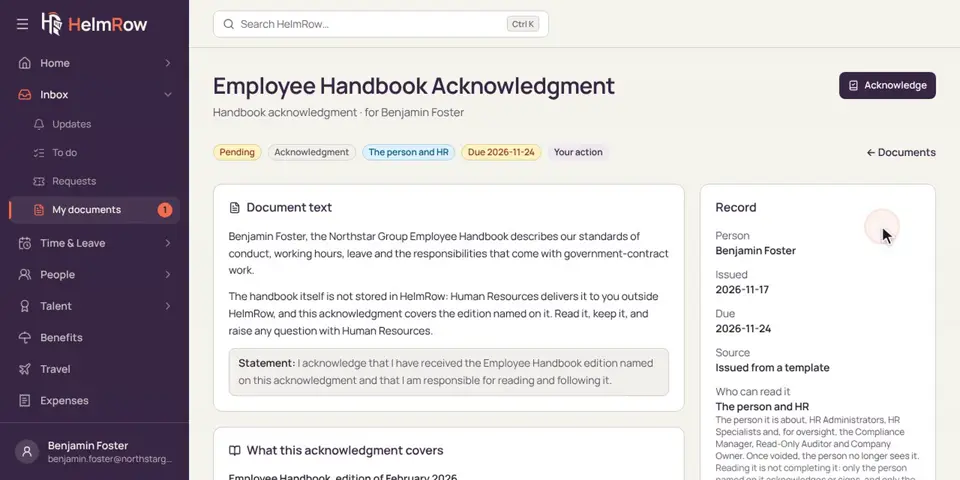
2.6 · 1:20 minutes
Acknowledging a document
Read a document like the employee handbook and confirm you’ve received it.
-
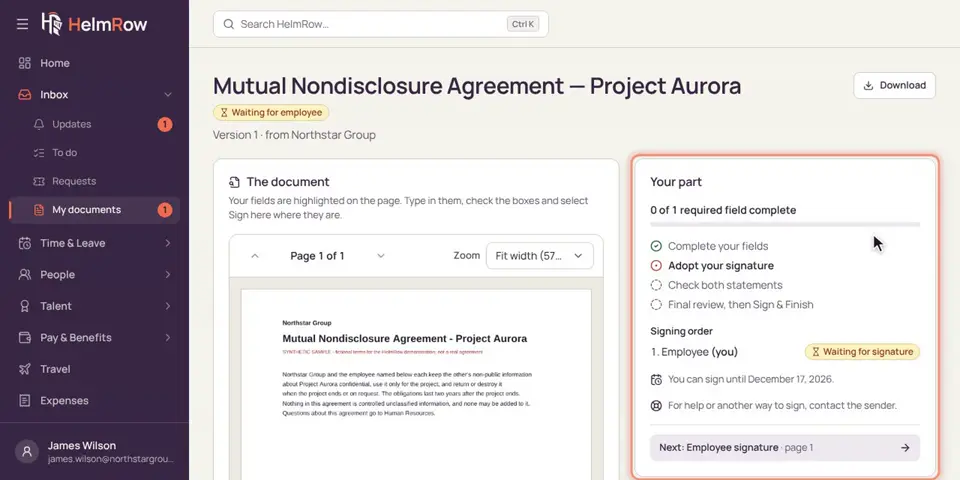
2.7 · 1:39 minutes
Signing a document
Review a document, adopt your signature, and sign it electronically with your code.
-
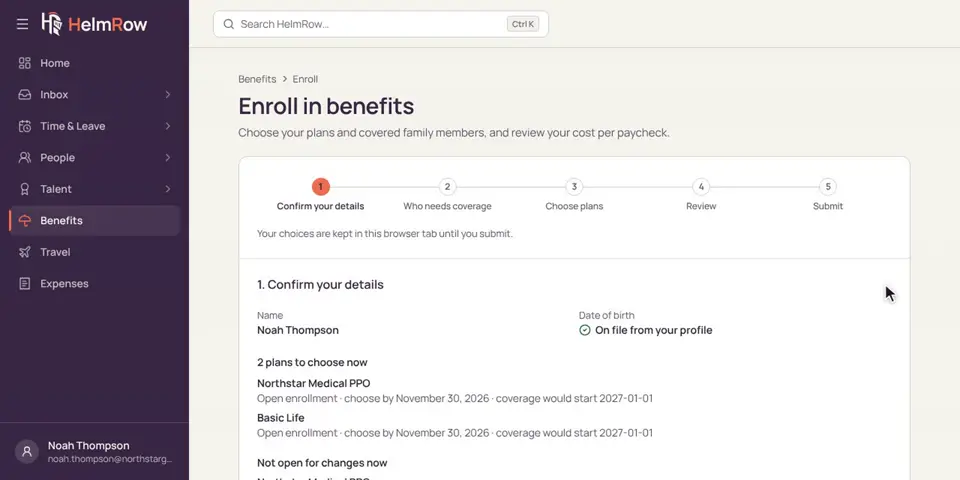
2.8 · 2:12 minutes
Enrolling in your benefits
Choose or waive your benefit plans during open enrollment, step by step.
-
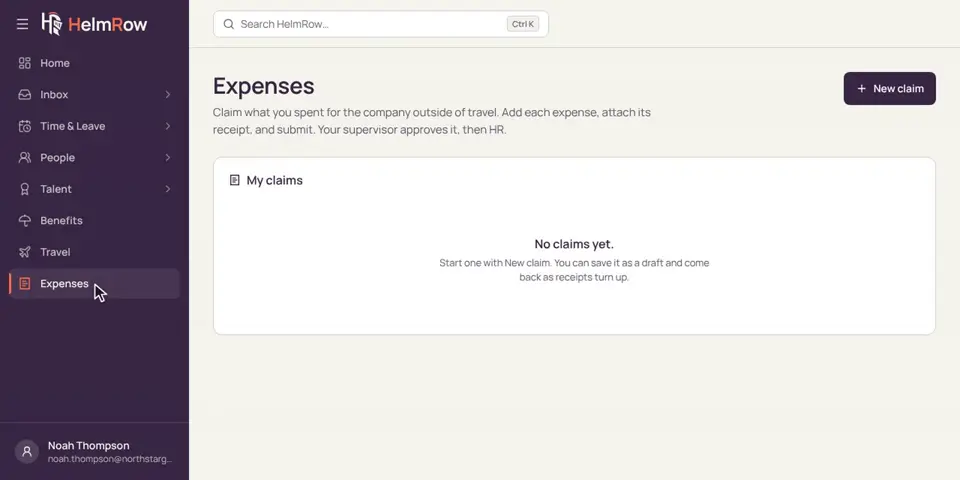
2.9 · 1:28 minutes
Submitting an expense claim
Add what you spent for work, attach the receipts, and send the claim for approval.
-
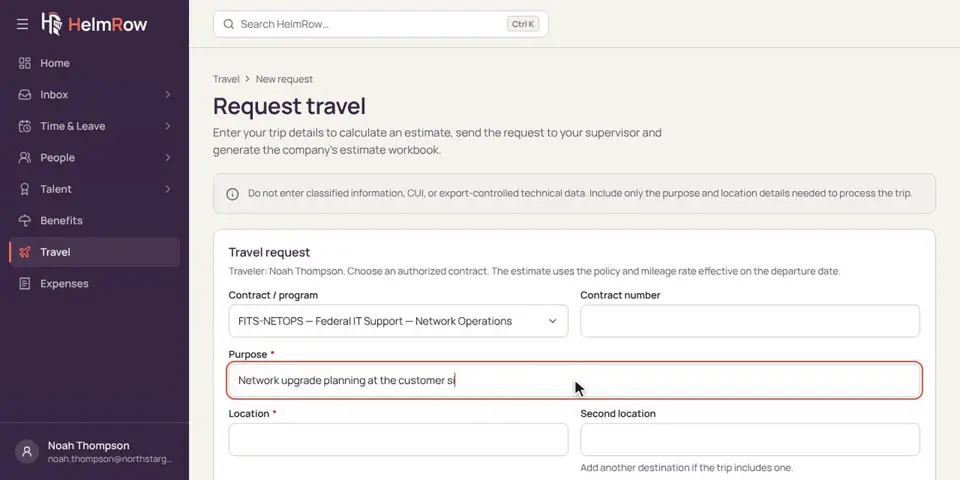
2.10 · 1:16 minutes
Planning a work trip
Request a work trip before you go, and see its cost estimate.
-
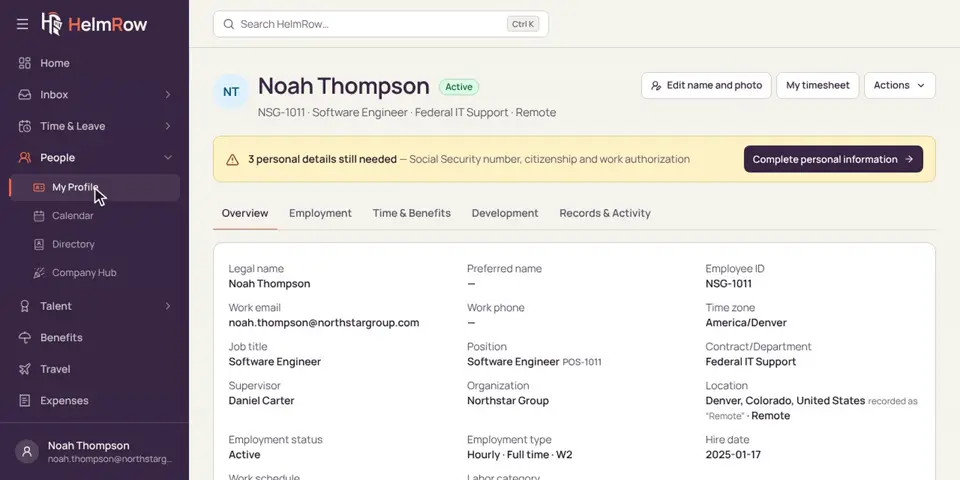
2.11 · 1:19 minutes
Keeping your profile up to date
Find your profile, check your details, and add an emergency contact.
-
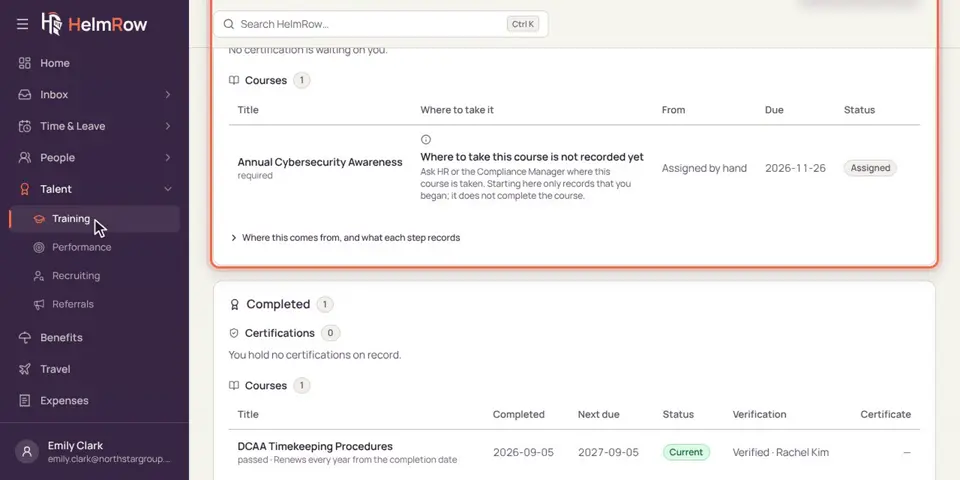
2.12 · 1:13 minutes
Completing your training
Find training that’s due, and record it as complete when you’re done.
-
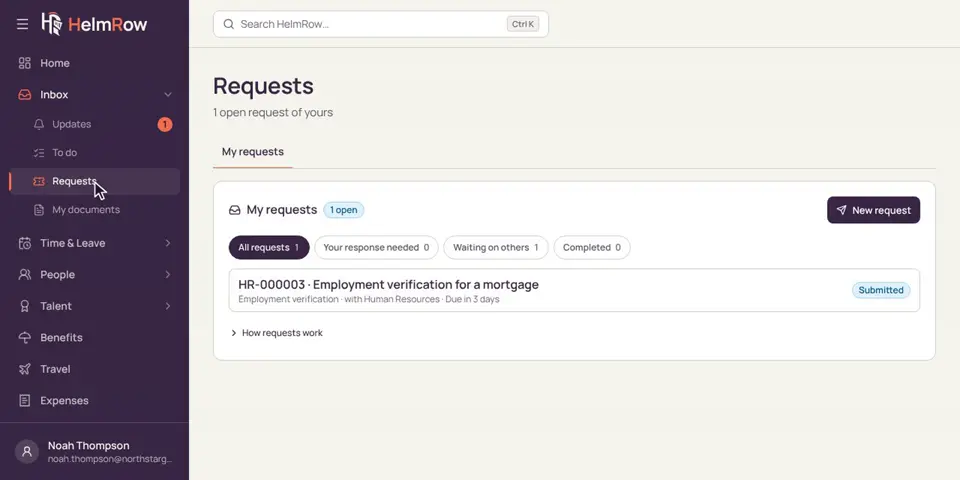
2.13 · 1:07 minutes
Asking HR for help
Send HR a request, like a letter or a change to your records, and follow its progress.
For supervisors
See how your team stands, then approve, send back or ask. 7 videos · 10 min
-
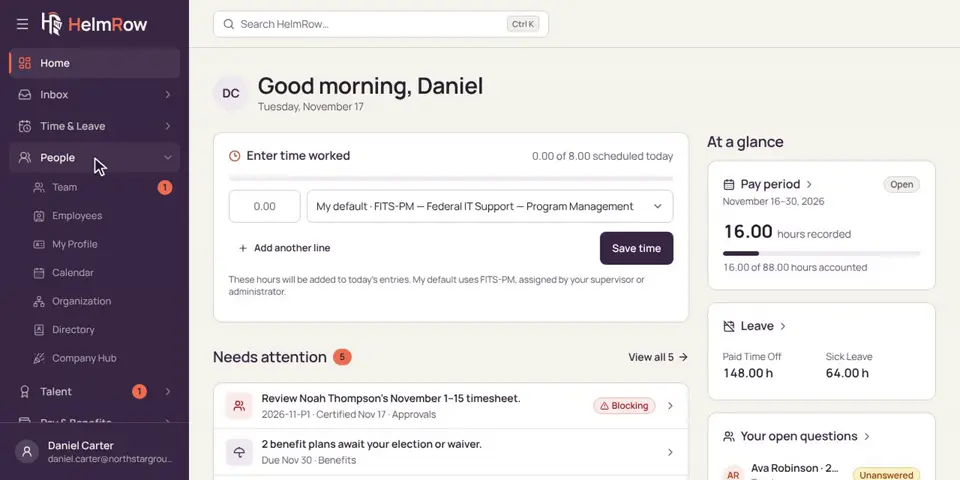
3.1 · 1:30 minutes
Checking on your team
See what’s waiting for you, and how everyone on your team is doing this pay period.
-
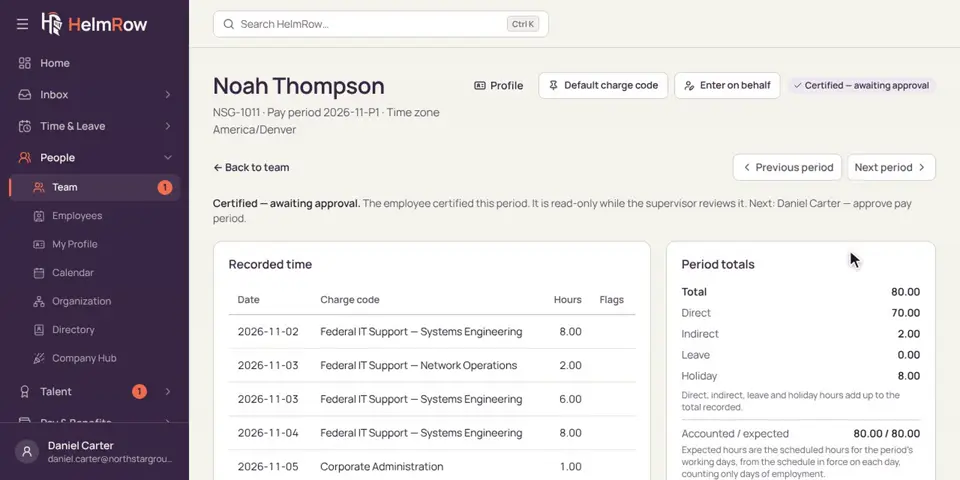
3.2 · 1:35 minutes
Approving a timesheet
Review a certified timesheet, check the hours, and approve it with your code.
-
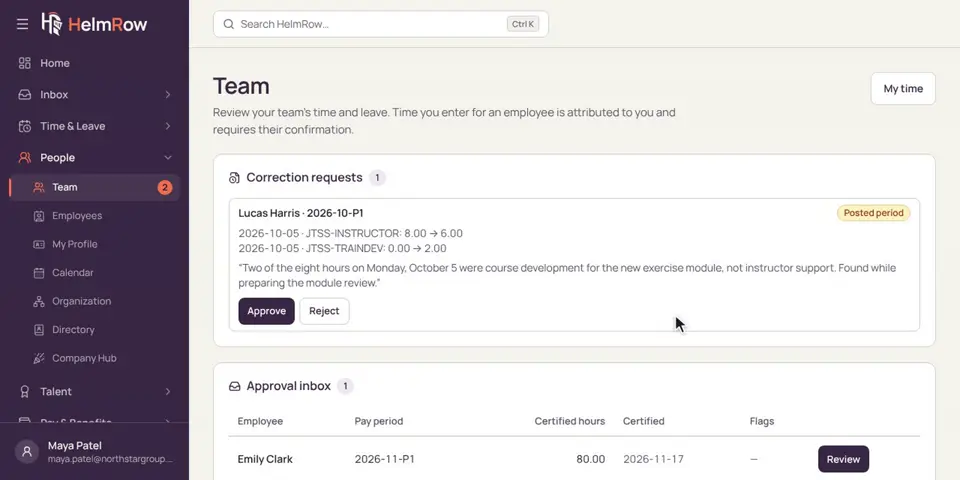
3.3 · 1:40 minutes
Sending a timesheet back or asking a question
When something doesn’t look right: ask a question, or return the timesheet for a fix.
-
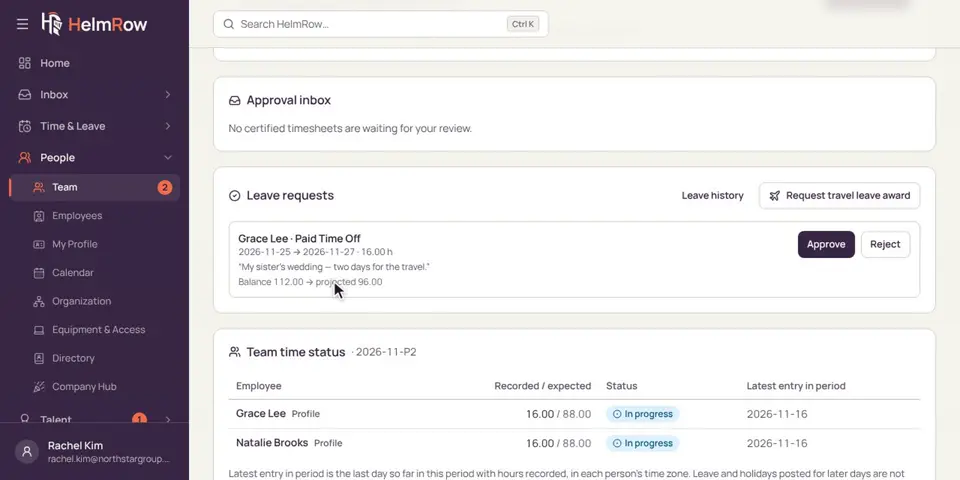
3.4 · 1:06 minutes
Approving time off
Look at a leave request, the dates and the balance it leaves, then approve or reject it.
-
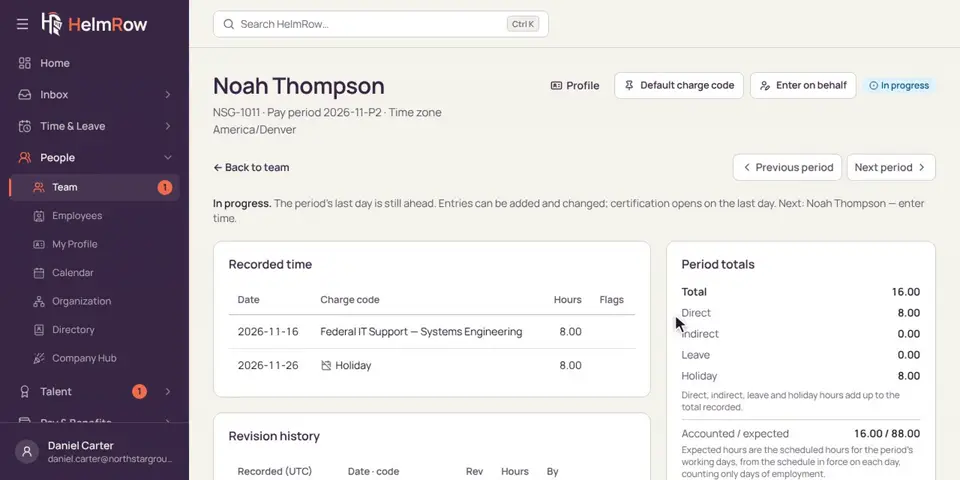
3.5 · 1:13 minutes
Entering hours for someone who is away
When someone on your team can’t get to HelmRow, enter their hours for them. They confirm it later.
-
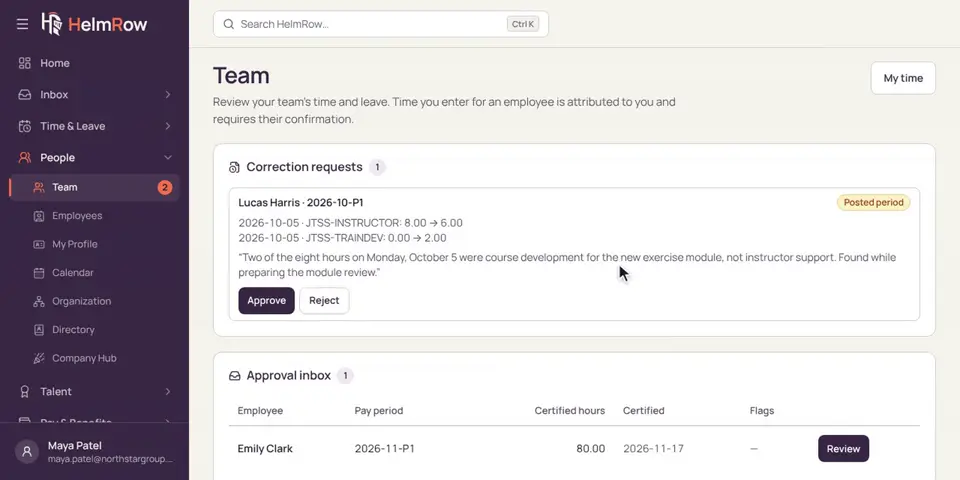
3.6 · 1:16 minutes
Approving a correction
Someone needs to fix hours that already went to accounting. Check the change and approve it.
-
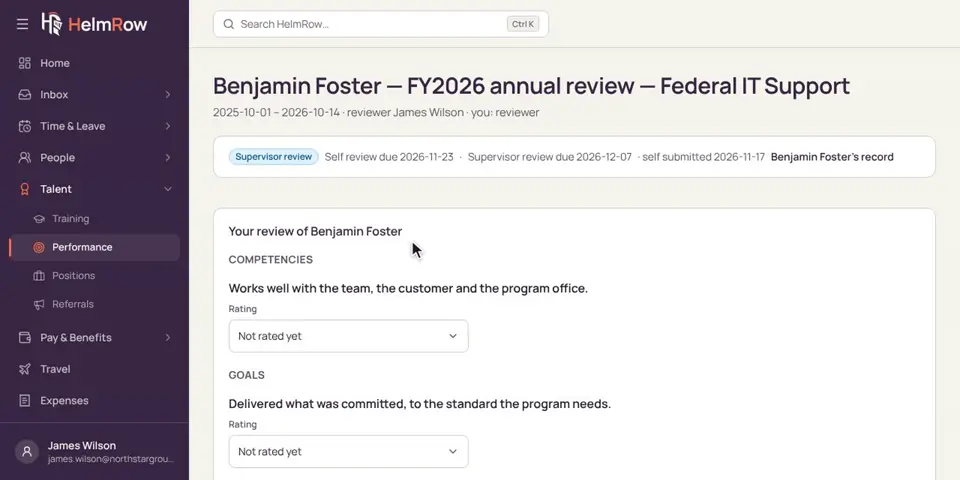
3.7 · 1:37 minutes
Writing a performance review
Read your team member’s self-review, then write and submit yours.
For HR and administrators
People, access, charge codes, leave, documents, hiring and benefits. 10 videos · 16 min
-
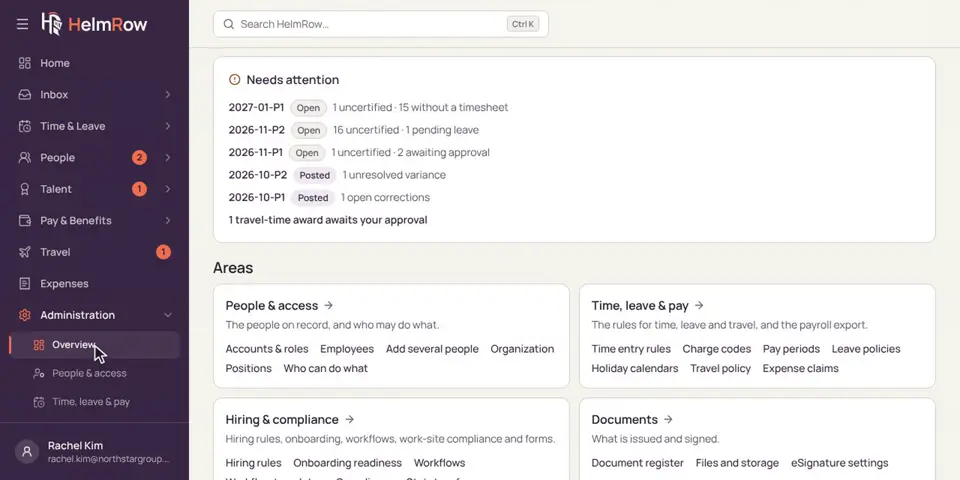
4.1 · 1:49 minutes
Getting around Administration
The Administration overview, its areas, and the page that shows who can do what.
-
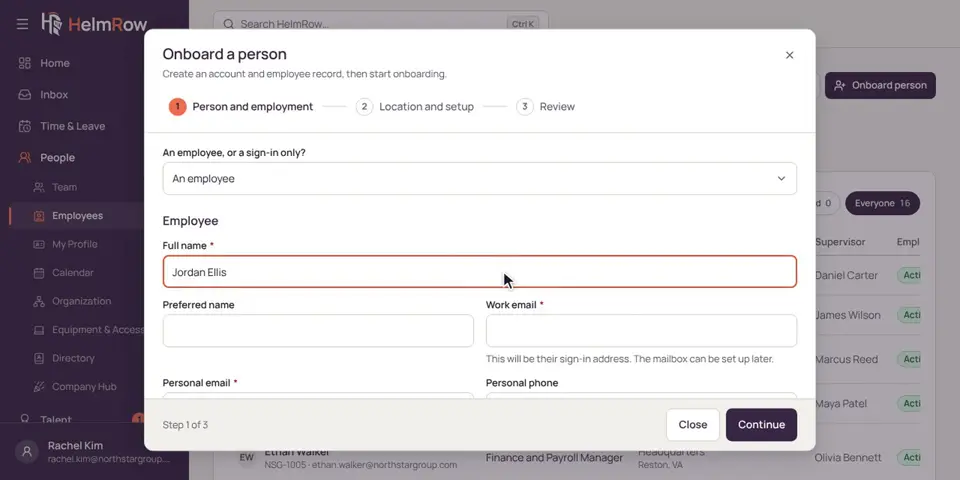
4.2 · 1:44 minutes
Adding a new employee
Use Onboard person to add a new hire, choose their onboarding checklist, and start it.
-
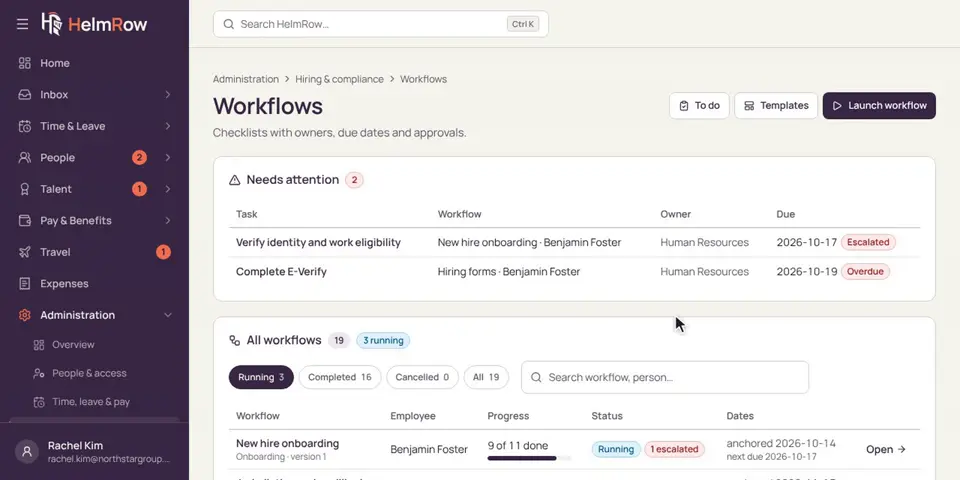
4.3 · 1:46 minutes
Following a new hire’s onboarding
Track a new hire’s checklist, see what’s late, and complete HR’s steps.
-
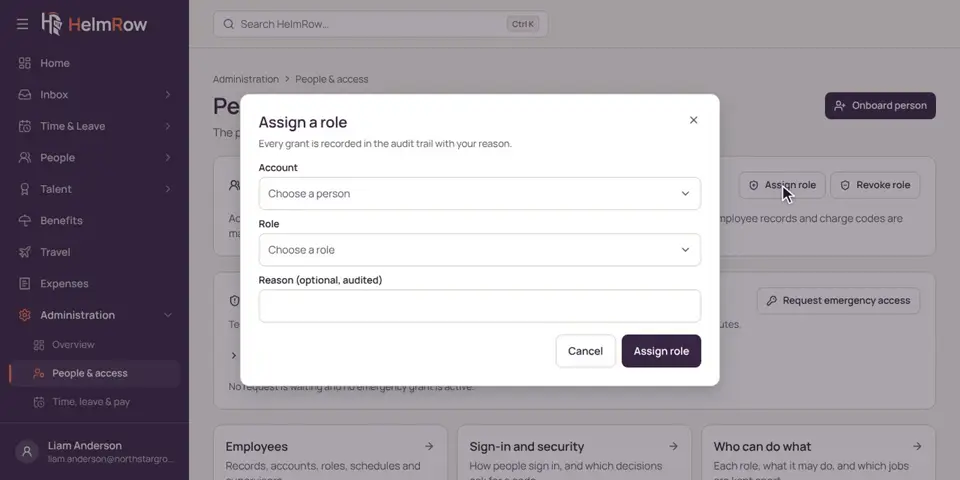
4.4 · 1:23 minutes
Giving someone access
Give a person a role, with a reason, and check what that role allows.
-
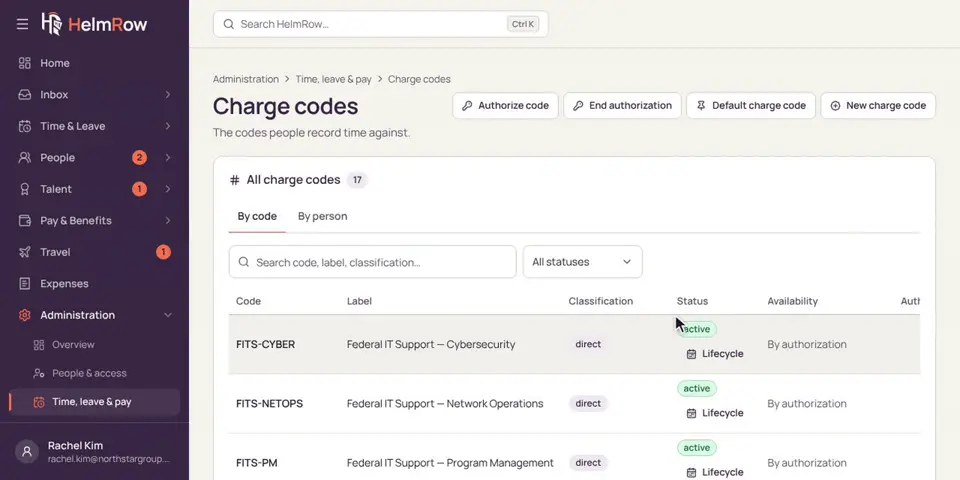
4.5 · 1:52 minutes
Setting up charge codes
Add a charge code, and authorize the people who will record time against it.
-
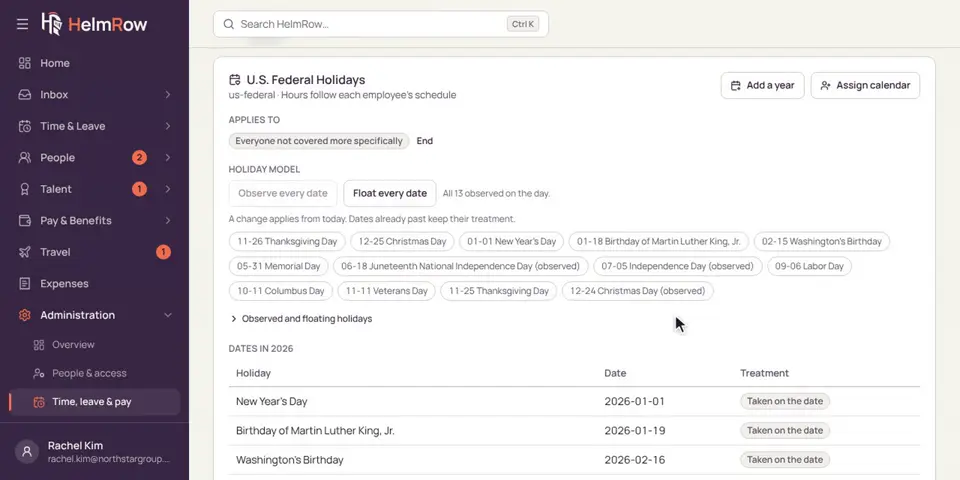
4.6 · 1:25 minutes
Holiday calendars
See the company’s holidays, who each calendar covers, and how to add a year or another calendar.
-
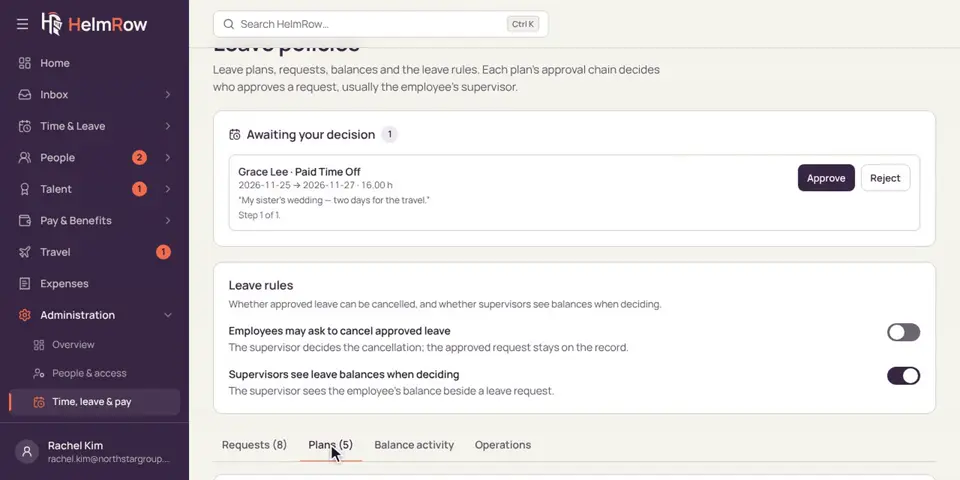
4.7 · 1:31 minutes
Leave policies and balances
See the company’s leave plans, and adjust someone’s balance with a reason.
-
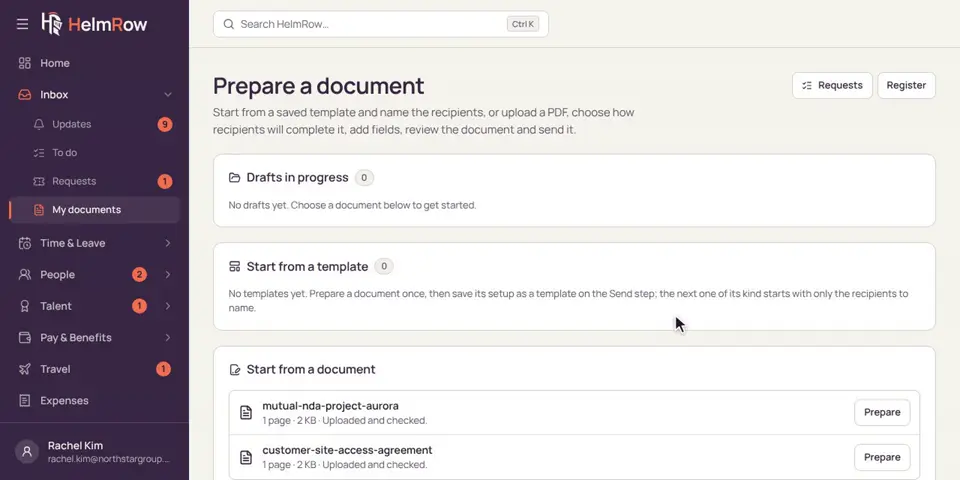
4.8 · 1:45 minutes
Sending a document for signature
Prepare a document, choose who signs it, place the signature, preview, and send.
-
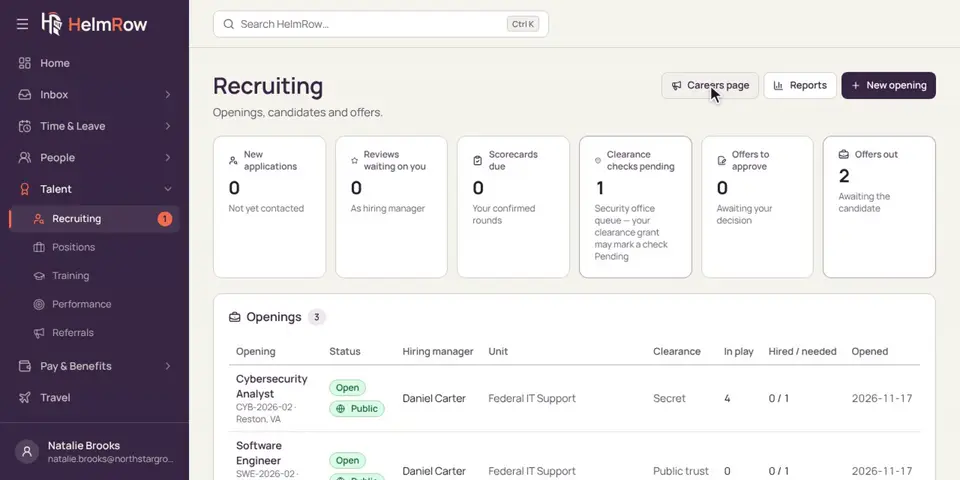
4.9 · 1:30 minutes
Hiring: posting a job and moving candidates along
See your openings and their careers page posts, and move a candidate to the next stage.
-
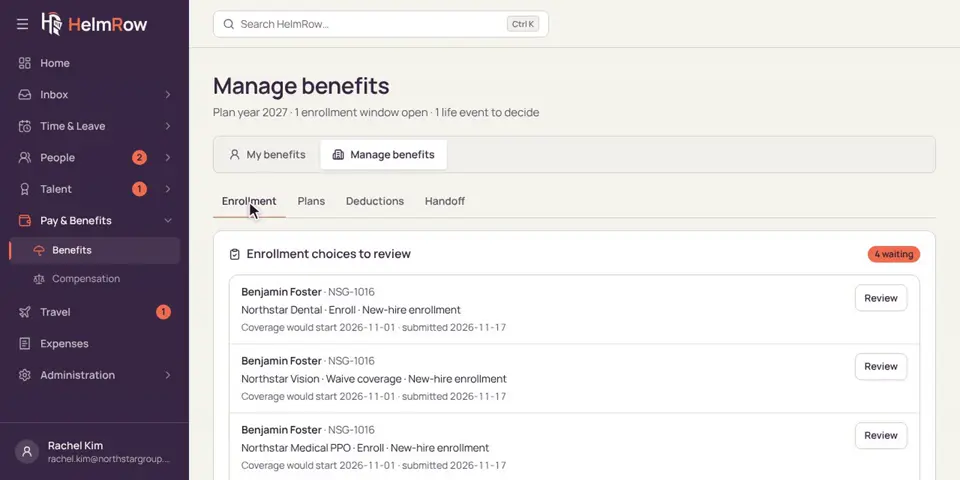
4.10 · 1:33 minutes
Approving benefit elections
Check a new hire’s benefit choices and approve them, one plan at a time.
For payroll and accounting
Close the pay period, hand approved hours to payroll, and review expense reports. 3 videos · 6 min
-
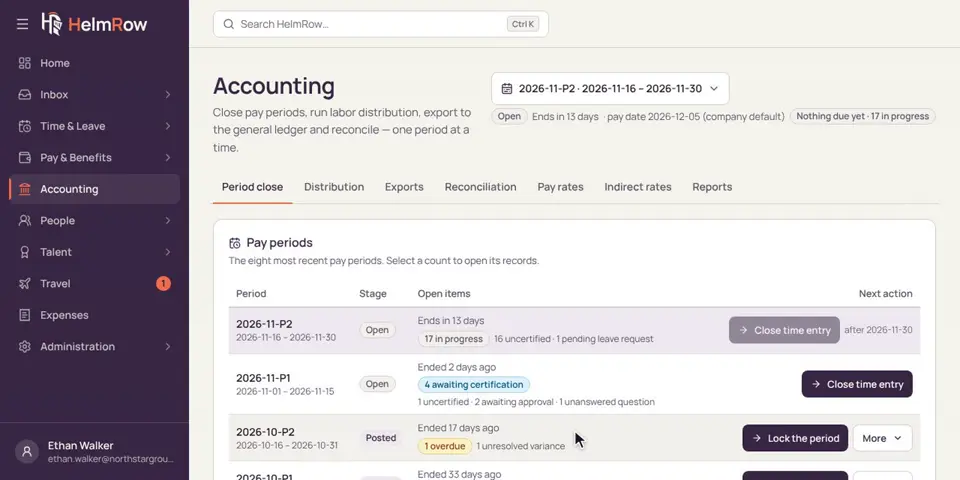
5.1 · 1:57 minutes
Closing a pay period
See what’s holding a pay period open, how it’s closed, and how a finished period is locked.
-
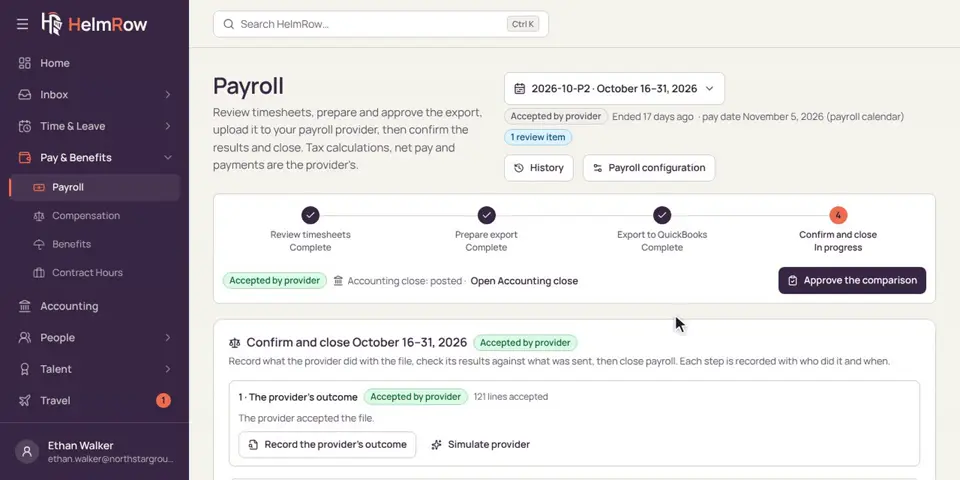
5.2 · 2:04 minutes
Sending hours to payroll
Send approved hours to your payroll provider, check what comes back, and close payroll for the period.
-
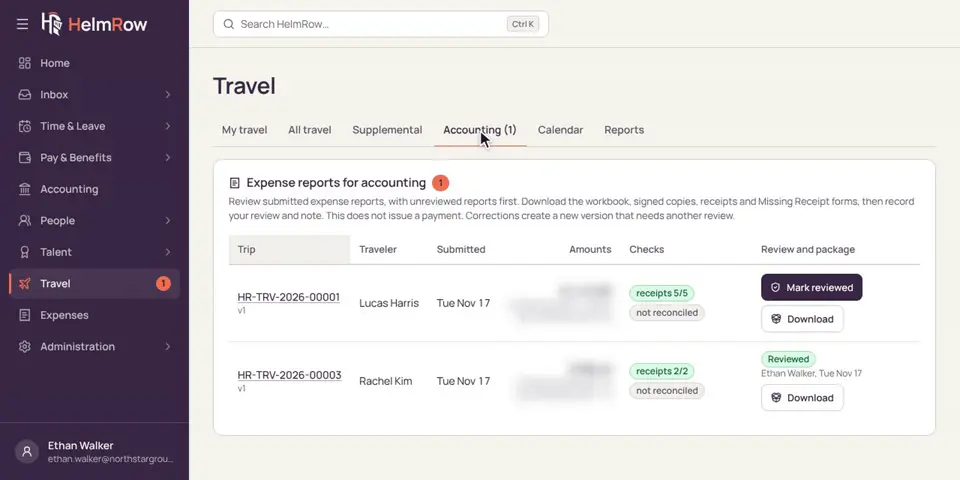
5.3 · 1:37 minutes
Reviewing expense reports
Check a traveler’s expense report and its receipts, then mark it reviewed.
For audit and compliance
Trace one person’s hours and prepare what an auditor asks for. 2 videos · 3 min
-
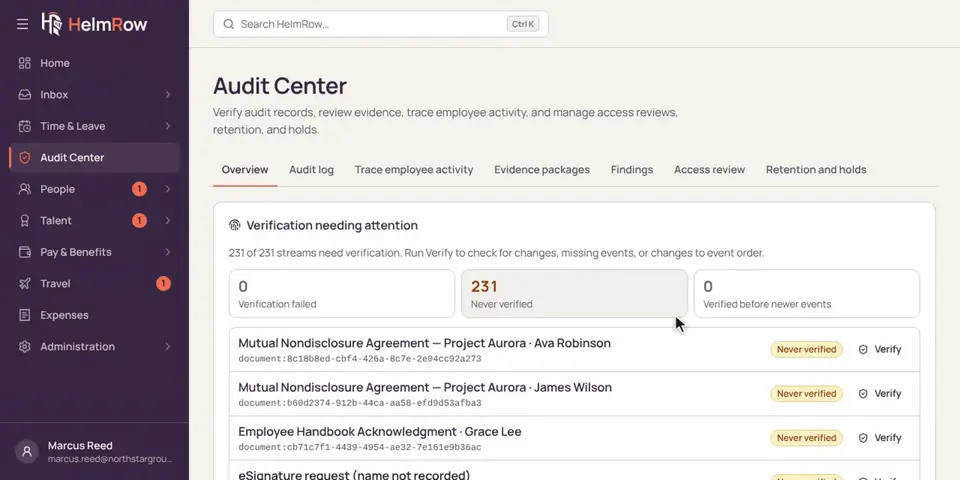
6.1 · 1:17 minutes
Tracing hours in the Audit Center
Follow one person’s hours for a day: every entry, change, certification and approval, with who did what.
-
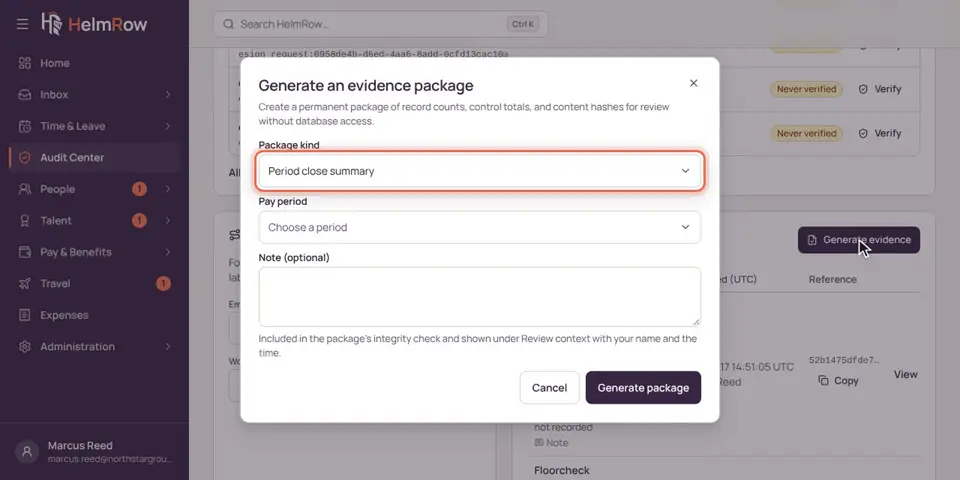
6.2 · 1:33 minutes
Preparing an evidence package
Gather the records an auditor asks for into one evidence package, and find it later.
Rather see it with your own contracts in mind?
The videos show the product as it ships. A demo walks the same screens with your roles, charge codes and pay periods as the example.