
The trip, approved before it is taken.
Request the trip and see its estimate. Travel. Then send in what was actually spent, with the receipts. Every step has an owner, and all of it stays on the record.
An estimate before anyone books a flight.
The traveler names the contract the trip is for, the purpose, the place and the dates, then adds a segment for each leg. HelmRow works out the estimate from your company’s travel policy: lodging, meals and incidentals, airfare, car and mileage, at the rates in effect on the departure date.
Per diem is looked up by location. The supervisor approves, rejects or returns the request with a reason, and nobody approves their own trip.
- GSA per diem rates in the continental United States, State Department rates everywhere else
- A material change opens a new revision and goes back for approval
- The estimate comes out as a workbook on your company’s own travel form
After the trip, what was actually spent.
The estimate and the actuals sit side by side, so the difference is visible to the people who have to sign for it.
Expenses, day by day
The traveler records what was spent each day and uploads receipts from a desktop or a phone. A missing receipt needs an explanation, and the explanation is kept with the report.
Reviewed by accounting
Accounting checks the report against its receipts and marks it reviewed, with notes. One download holds the workbook versions, the signed copies, the receipts and a manifest with a hash for each file.
Claims outside travel
Parking at a client site, a certification fee: a monthly claim takes one row per expense with its receipt. Your company chooses who approves it, and the claim is marked reimbursed when it has been paid.
Watch a trip and a claim go through.
Three short videos, recorded in the application with a made-up demo company.
-
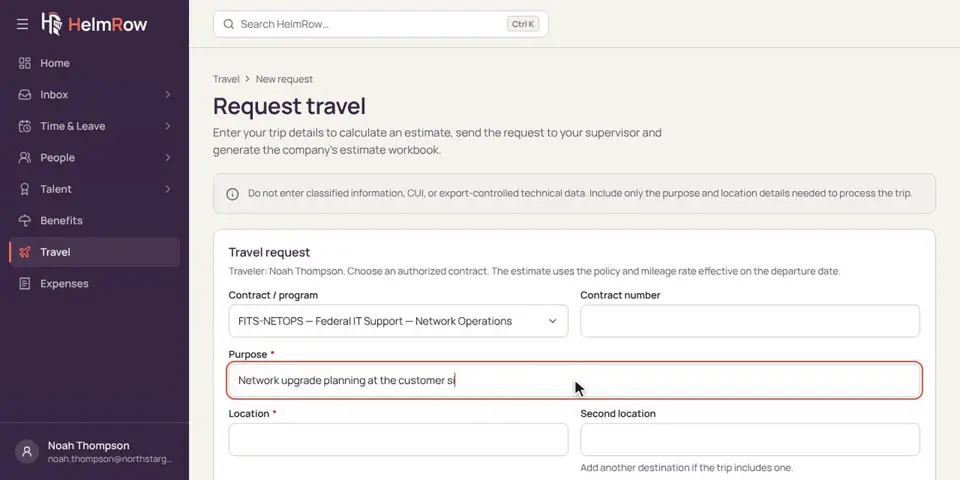
2.10 · 1:16 minutes
Planning a work trip
Request a work trip before you go, and see its cost estimate.
-
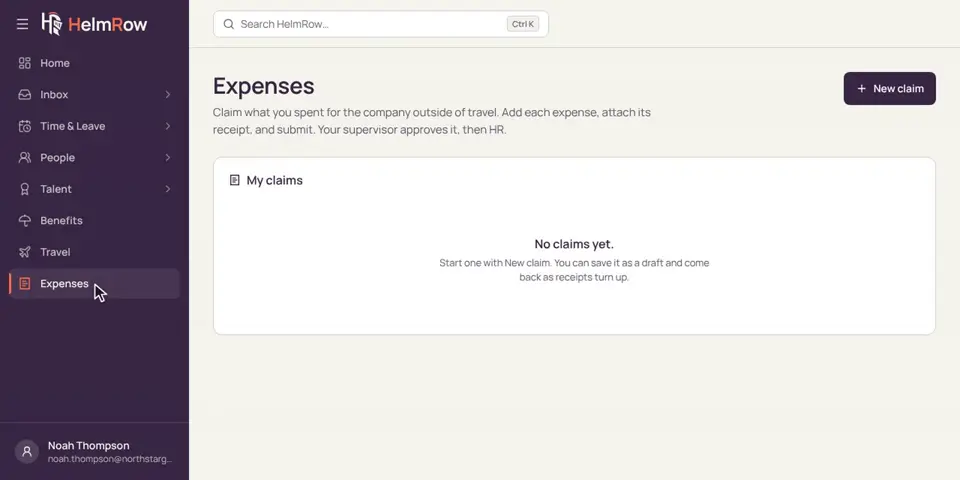
2.9 · 1:28 minutes
Submitting an expense claim
Add what you spent for work, attach the receipts, and send the claim for approval.
-
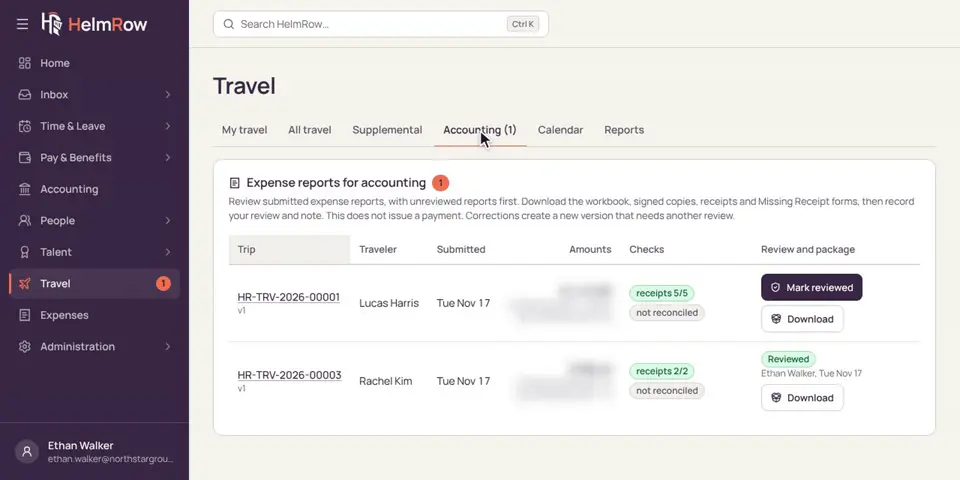
5.3 · 1:37 minutes
Reviewing expense reports
Check a traveler’s expense report and its receipts, then mark it reviewed.
What it records, and what it leaves alone.
Travel in HelmRow is a record of requests, approvals and reviews. The money stays where it already lives.
Travel and expense questions we get asked.
Does HelmRow reimburse employees?
No. HelmRow records the claim or report, who approved it, and that it was reviewed or reimbursed. The payment itself is made in your accounting or payroll system. HelmRow does not move money.
Where do the per diem rates come from?
From the published government tables, looked up by location and travel date: GSA rates inside the continental United States, and State Department rates for Alaska, Hawaii, the territories and foreign locations. The mileage rate is a dated setting your company keeps.
Can we keep our own travel forms?
Yes. The estimate and the expense report are produced as workbooks on your company’s own forms, which we set up with you, and every generated copy is kept with the trip.
Who approves a trip?
The traveler’s supervisor, and your travel policy can add further steps. Nobody approves their own request, and a material change to an approved trip goes back for approval as a new revision.
See a trip go from request to reviewed report.
A demo walks one trip through estimate, approval, expenses and accounting review.